A vertical crop of a full-height 16:9 source retains only about 31.6% of its width. Place that window around the information the viewer needs, rather than stretching the entire scene.
Understand what the crop removes
A 1920 × 1080 source is wider than a vertical canvas. At the same source height, a 9:16 window is 607.5 pixels wide: 1080 × 9 ÷ 16. That is 31.64% of 1920. The rest is outside the frame. Enlarging this crop to 1080 × 1920 does not recover the discarded detail.
Use the framing study below to move the window. The picture is our original illustration, not game footage. It demonstrates composition; it does not process an uploaded video.
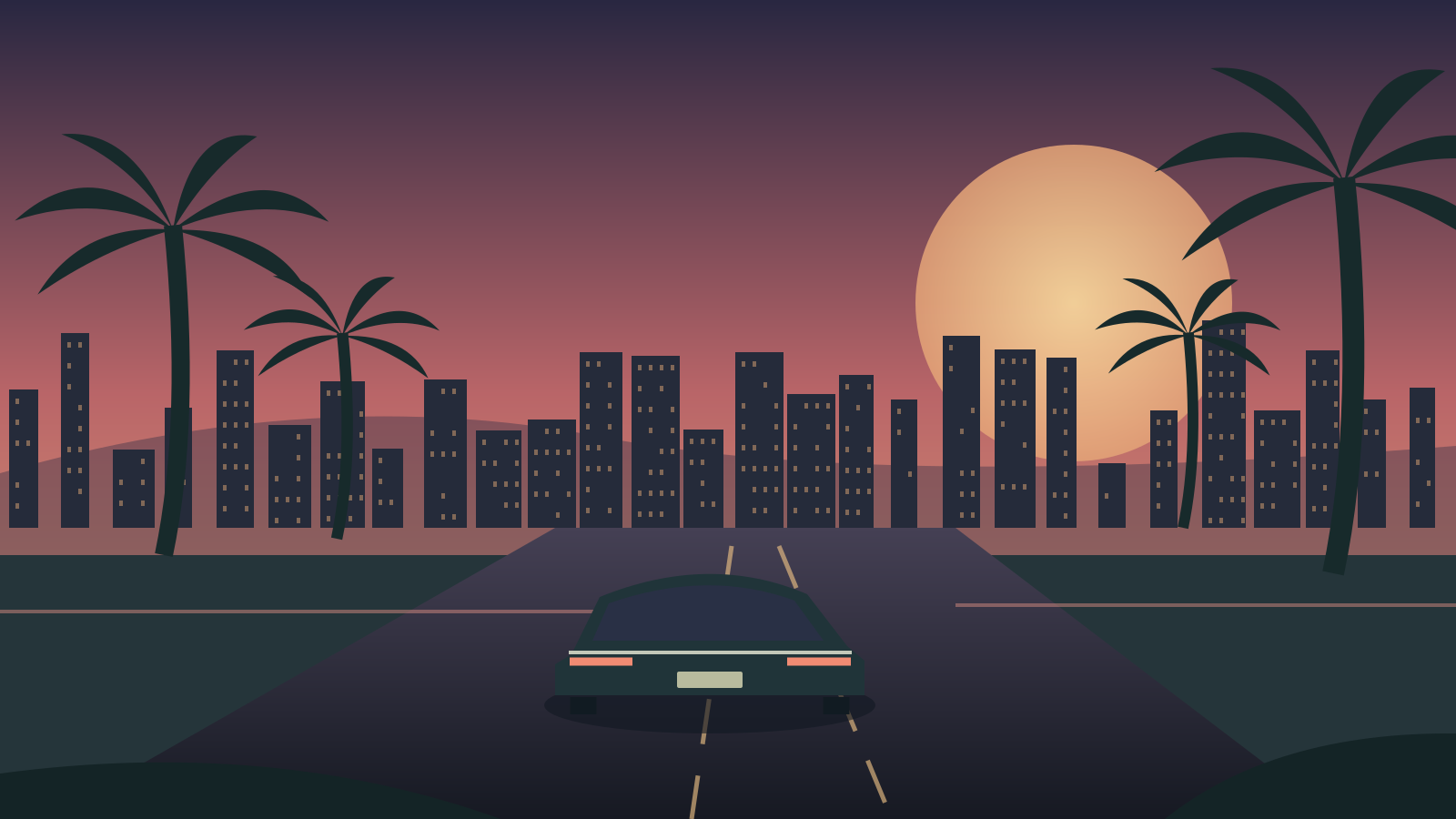 16:9 SOURCE9:16 RESULT
Interactive composition exercise. Original artwork; no video upload or processing.
Choose the information to protect
Write down the subject, the direction of travel and the outcome before changing the crop. In our illustrative turn exercise, the car is the subject, the gap ahead explains the decision, and the completed turn is the outcome. A crop containing the car but excluding the gap removes the reason the moment matters.
Check the beginning, middle and end of the shot. If all three fit a static frame, a static crop can be clearer than a continuously moving one. If two distant subjects are essential, consider a designed wide frame with surrounding context rather than forcing an unusable crop.
Move the frame only when the shot needs it
Where your editor supports position keyframes, set a frame around the subject at the start, then another where the subject changes direction or approaches the edge. Scrub between these points. Add a correction only where the subject would otherwise leave the usable area.
Do not let an automatic tracker choose the story for you. A tracker may hold a vehicle perfectly while hiding the object it is approaching. Review the image at normal speed as well as while scrubbing.
Leave room for readable context
Add the caption after the basic crop works. Keep it away from the subject and the platform controls visible in your destination’s preview. No fixed “safe zone” guarantees that every device and placement will show the same interface.
View the edit at phone size. If a viewer needs to zoom in to identify the action, revise the crop or shorten the explanation. Keep a clean version without captions so a later placement can be adjusted without rebuilding the edit.
Try the exercise.
Make one static and one moving crop of the same permitted source. Choose the one that preserves the subject, direction and payoff with fewer distracting movements.
Download the free editing brief ↓Sources & editorial method
This guide combines original editorial exercises with the references below. Illustrations are not gameplay. No editing benchmark, software-version test or creator payout is claimed.